

Blog
6 Splice Alternatives for Music Producers
22 Jun '2026
Find the right sounds faster with six sample sources, plugin powered libraries and creative alternatives to Splice
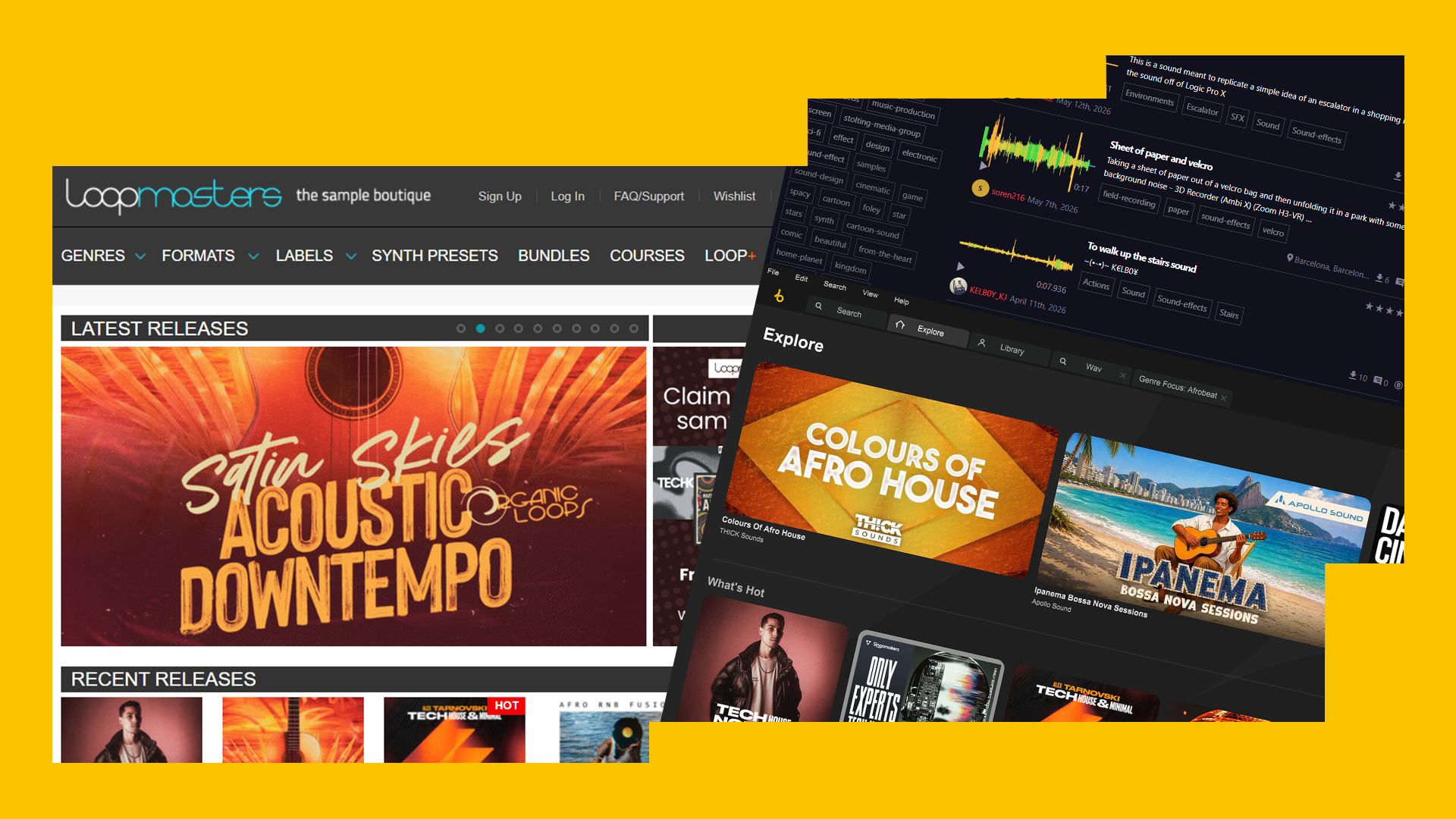
These days, access to great sounding samples is more abundant than ever, and with many tools adopting a DAW-integrated workflow or new AI features, there’s no better time than now to see what’s on offer in this flourishing market. Getting quick access to loops, one-shots and royalty-free sounds that fit in your project without the headache of sorting through thousands of individual samples can often be the difference between finishing a track and running out of steam.
That’s why we compiled this list of 6 alternatives to Splice, so you can choose the best sample source option for your needs.
Loopcloud
In our (very humble) opinion, Loopcloud offers the best direct alternative to Splice for producers who want deeper DAW integration, more creative control whilst maintaining access to a huge library of sounds.
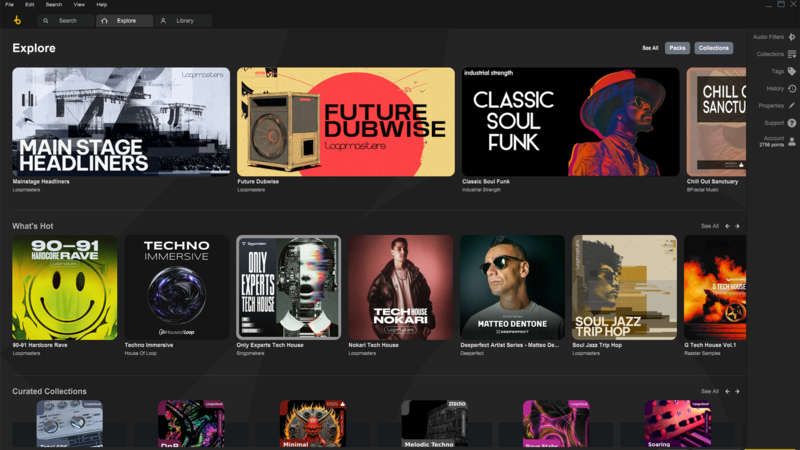
Loopcloud Benefits
- Huge sample catalogue with over 4 million royalty-free samples
- DAW integration to audition samples in your project
- Included plugin suite: Loopcloud DRUM and Loopcloud PLAY
- Pitch, key and tempo matching with your project
- Unique and powerful audio filters
- Find similar sounds to quickly improve elements
- Multitrack sample browsing
With access to over 4 million sounds, Loopcloud is certainly a better fit for some producers. It’s designed as a discovery led production environment, rather than simply a place to download samples. The audio filters section allows you to browse samples with a whole new set of criteria, offering unique search filters such as tone (frequency content), swing (straight to swung) or rhythmic density (simple to complex) and for loops, there’s even a handy “Match Tempo” button to search for additional samples that already match the tempo of your currently selected sample.
Another feature that makes Loopcloud stand out from the crowd is its 8-track editor, native to the desktop sample browser. This allows you to combine and arrange 8 different samples before committing to spending your points on any of them, making it much easier to turn a loop into something that sounds personal. The editor view also lets you slice, rearrange, tune and process sounds with effects like reverb, delay and grain stretch to really experiment with your sounds before committing to them.
But wait, there’s more! Inside the editor or simply in the sample browser, Loopcloud now includes a handy “Flip Sample” feature, which will instantly generate a unique variation of any loop or one shot sample. This will ensure that you never have the awkward moment of hearing a sample you’ve used in someone else's track, keeping your tracks just as fresh as they should be.
Did we mention you can do all this whilst still staying in sync with your DAW? Meaning you can fully experiment with a whole range of samples and effects inside Loopcloud, whilst never losing context of your track. Now that’s what we call state-of-the-art sampling power!
Loopcloud is currently offering a 100 points 14 Day Free Trial, with plans starting at as little as £5.99 per month!
Prices are subject to change and may be different from when this article was written
Buying Sample Packs
One of the simplest alternatives is the traditional route; building a distinctive library through purchasing full sample packs. This can be a real benefit if you want to focus on curated sounds from independent creators or specialist labels. One of the main advantages to this approach is removing the subscription model completely. Instead of paying monthly for access to a constantly changing library of sounds, you buy a pack once and keep it for life.
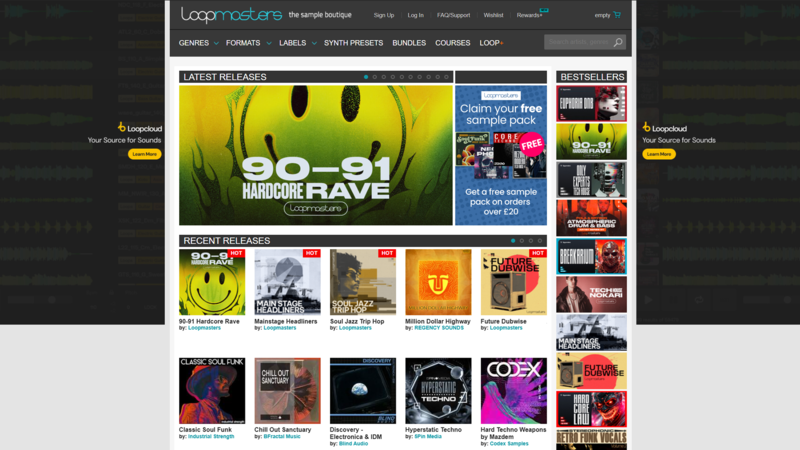
If you already know the type of samples you're after, there’s a whole world of sample pack marketplaces and independent sample companies. A great place to start is our very own roots at Loopmasters or a simple Google search will provide you with an extensive list of providers. Additionally, many artists are now releasing samples directly, creating a wave of private pages that offer high-quality packs through artists’ own websites or Patreon pages.
Buying packs directly can mean prices vary widely depending on the developer, pack size and format of samples. While ownership is great, the ability to sort, organise and search through your own samples can be a joy for some and a tedious, headache for others.
Output Co-Producer
Output Co-Producer is a bit of a wildcard, it doesn’t work the same as Splice or Loopcloud but instead focuses on AI assisted sample discovery. The plugin listens to your track, analyses musical information such as harmony and rhythm and recommends samples that could fit into your project.
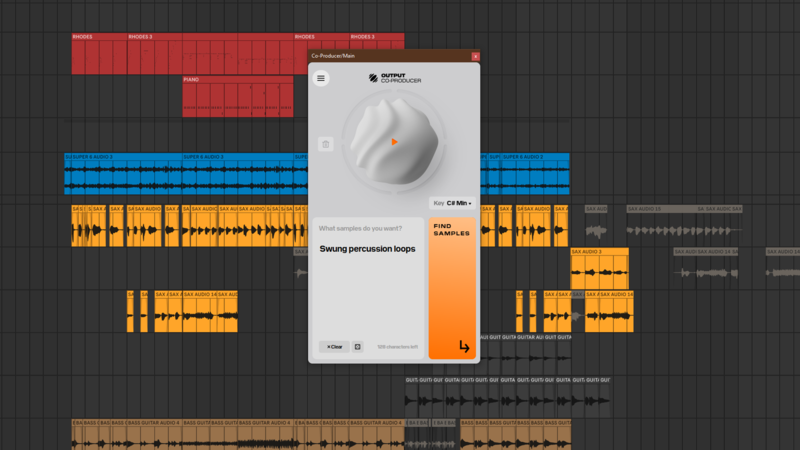
The main difference here is workflow; instead of browsing through samples yourself, you let the plugin suggest material based on what’s already happening in your session. If you’re stuck in a loop or need something complimentary that can be really useful. However, producers who enjoy digging for their own sounds or those who relish in happy accident moments when using samples which may not have been selected by an algorithm may find it more narrow than a service like Loopcloud.
Co-Producer is available directly from Output, with a 7-day free trial with the subscription starting at $9.99 per month.
Prices are subject to change and may be different from when this article was written
BandLab Sounds
BandLab Sounds is a royalty-free library that's built into the BandLab ecosystem offering 160,000 samples in their collection with new packs added every week.
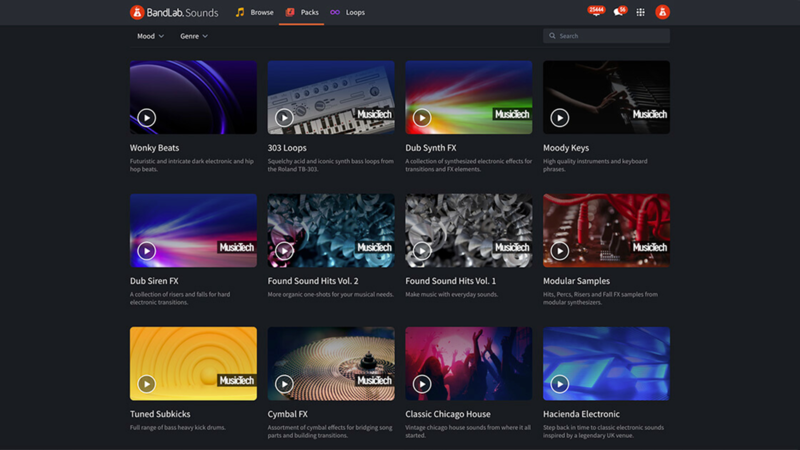
If you’re already using BandLab, the workflow is simple and the sounds are easy to add to projects. Although it offers some library management features and DAW integration, it lacks the depth in advanced sample editing, library management and DAW integration on offer from other major sample providers.
BandLab Sounds offers a 3 day trial with a monthly subscription of $14.99 per month.
Prices are subject to change and may be different from when this article was written
Freesound
Freesound is a collaborative, community powered sound library that is great for field recordings and unusual audio, but less focused on polished music production samples. All the samples on freesound are released under Creative Commons licences.
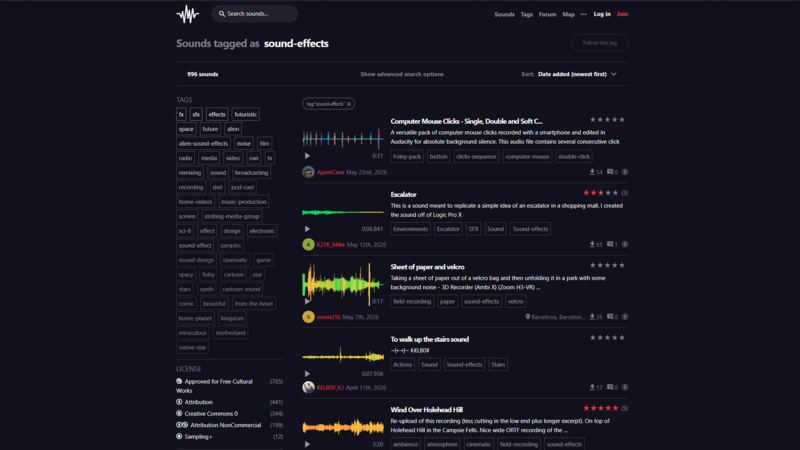
Because it’s completely driven by a global community of people sharing their samples, you’ll find plenty of strange textures, atmospheres, foley recordings and sonic details that can add character to a track on Freesound. But it’s what makes Freesound different in that regard that also makes it a less viable option compared to other major sample providers. Sounds can massively differ in quality, formatting, metadata and licensing terms can vary from sound to sound.
Freesound is free to use, but producers should always check the license attached to each sound before using it commercially. Some Creative Commons licenses are more flexible than others so be careful to note down when attribution is required.
Pixabay Music and Sound Effects
Pixabay is best known for free stock images and videos, but it also has a collection of royalty free music and sound effects with a sound effects section offering over 120,000 sounds.
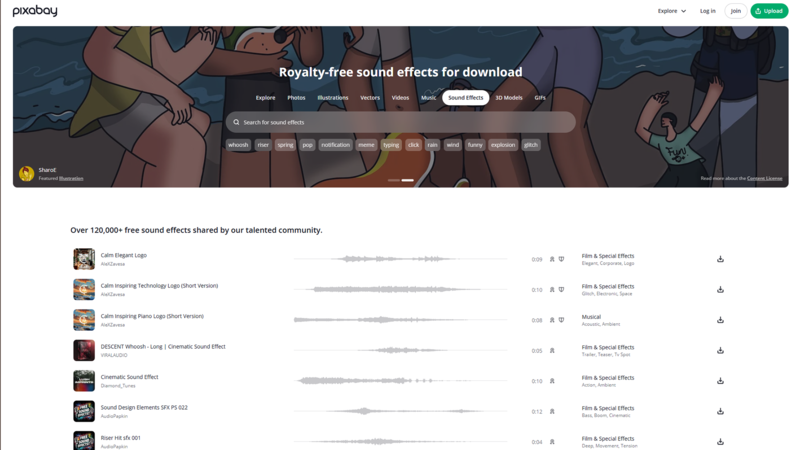
For music producers, Pixabay can be handy for quick sound effects, transitions, risers or atmospheres. It’s the sort of library you might kike to use if you’re producing content as wel as music; such as YouTube videos, podcasts, trailers or social media clips. With that said, it’s not built around sample-based production in the same way as other major sample providers like Loopcloud or Splice - you won't find the same level of tagging, genre curation, DAW integration or sample manipulation.
Pixabay Music and Sound Effects are available via Pixabay. The platform is free to browse and download from, but as with all free libraries make sure to review the licensing terms before using sounds in commercial releases.