


How to Get Started in Music Production – A Beginner's Guide
Everything you need to start making music at home, from essential hardware to sounds, software and skills.
Music production can be as hard as you want to make it. It can be an amazing process to dedicate yourself to years or even decades of learning a skill where every branch leads to another two, but you can also jump straight into making your first track today with little more than curiosity. Producing music is more accessible than ever before, that’s why we’ve compiled this short guide of essential things you’ll need to get started.
Your Own Computer
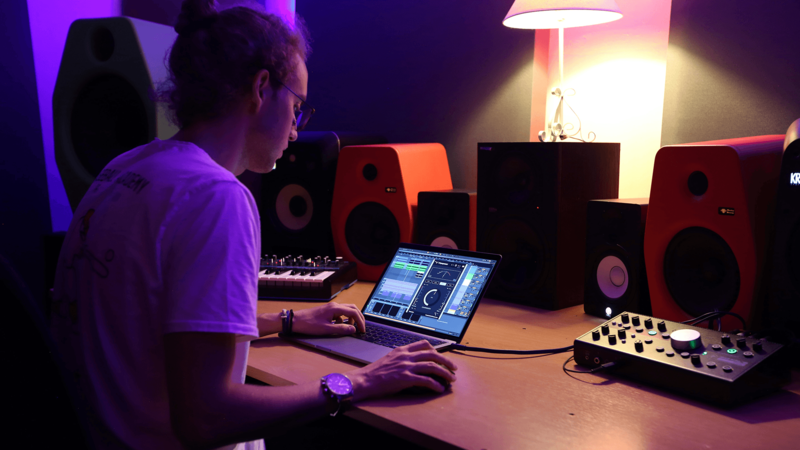
Most modern computers are capable of running music production software, with even some tablets and phones able to handle music applications nowadays. Despite this, most producers still work from a desktop or laptop computer.
Credit: Techivation
The good news is you don’t need a supercharged studio machine from the very beginning. Most budget computers from the present day are good enough to run a digital audio workstation (or DAW for short). As you move into larger projects or start working with CPU-heavy plugins, you might find more RAM, a faster processor or extra storage useful. But for the beginner stages, the computer you already own is probably perfectly usable.
More Than Just Your Onboard Speakers
While your laptop speakers might be fine for streaming movies or checking out the latest music video, you’ll need something a little more balanced to get started in your music production journey. Some entry level studio headphones like the Audio Technica ATH-M50x or some budget friendly studio monitors such as the Adam T5V.
While it might be tempting to broadcast your brand new marvelous creations to the world, you should be wary of using speakers to produce music in the short term; without proper room treatment and a well designed listening setup, using speakers can often prove untrustworthy and difficult.
If you plan to record instruments, vocals or you have limited internal audio processing power (typically a problem for Windows machines), then you’ll need an audio interface. An audio interface functions by translating the analogue signals from your gear into digital information for your computer, while simultaneously outputting digital audio as analogue sound for your monitors. A budget option like the Focusrite Scarlet Solo is perfectly suitable for beginners.
A DAW (Digital Audio Workstation)
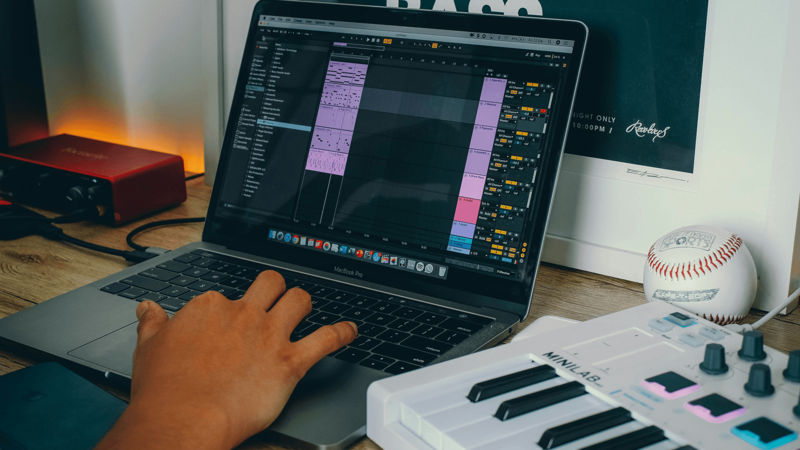
Now you’ve got the essential hardware, your next step is to find a suitable Digital Audio Workstation (DAW) - it’s the software that will see you through from playful ideas to fully finished tracks.
Credit: Piero Villarreal
There’s a real multitude of options when it comes to choosing your DAW. It’s where you’ll spend the better part of your journey learning music production so carefully choosing your DAW is advised. Some important things to consider are;
- How beginner friendly is it?
- Does it fit within your budget?
- Does the purchase include free upgrades?
- Does it suit your needs? (EG, recording instruments, performing live or synthesizing great sounds)
Some of the industry leading options include: Ableton Live, FL Studio, Logic Pro, Pro Tools and Bitwig with each having their own benefits and downsides. Some DAWs are well established and have chosen their lane in the industry, while others are up and coming – fighting for a spot at the top by focusing on state of the art features rather than seamless functionality.
Sounds and Loops
Now you’re set up with all the essentials, you’ll need some good sounds to start making quality music. Most DAWs ship with a small library of sounds included, but they can often be limited in quality and depth - whilst also being accessible to anyone with the software in question.
That’s where Loopcloud comes in. With over 5 million samples to choose from, a dedicated sample discovery environment that works with your DAW and a versatile plugin suite, Loopcloud is a great solution for filling your library with amazing sounds so you can see out your musical vision in just the way you imagined.
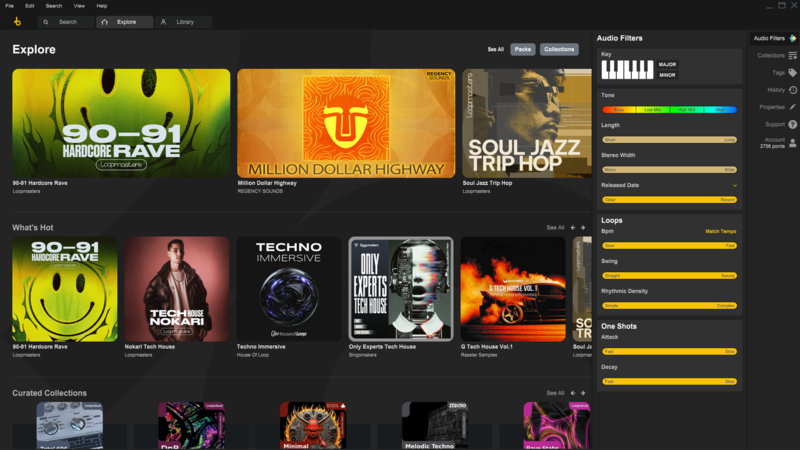
Loopcloud offers a 100 Points 14-Day Free Trial for any monthly subscription, perfect for those who like to try before they buy.
Instruments and Effects
Most modern DAWs provide a lot of great options for built in instruments and effects. Getting to know your built in tools inside-out is a brilliant way to learn the basics about synthesis, sound design and mixing. Once you’ve grasped the basics however, you may want to branch out to inspire your inner songwriter. Whether it’s sampling, synthesis, effects or analog emulations there are some amazing options out there.
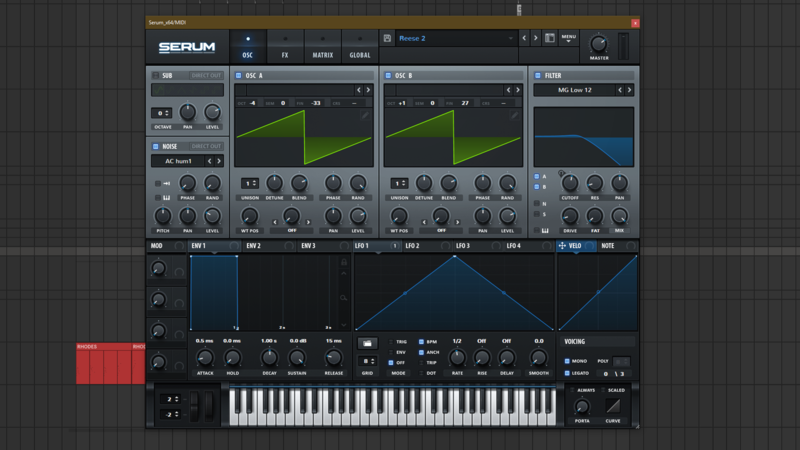
In regards to Synthesis, Serum has become an industry standard and their flagship model offers the latest and greatest in synthesis technology. If you’re looking for a more affordable option, Vital is a really powerful synth that is available for free, offering most of the same functionality as other state of the art synths.
In regards to effects, there’s a huge range of developers, both independent and major, making inspiring tools to get your projects to the next level. Some great options include Arturia, Waves, Devious Machines, Output, Soundtoys and Universal Audio.
Get More Skills
If you’ve gotten this far it means you’ve gotten everything you need to write great music. The main thing to do from here is to keep acquiring more music production skills and improving your workflow. Whether your focus is on composing music, mixing, levelling up your sound design or mastering work there’s always something new to learn within music and it’s the main reason so many people keep coming back to music production as a hobbyist or seasoned professional.
From Brazilian Funk to Jungle, one of the most difficult tasks along your journey will be finding your sound as a producer, so focusing on your skills and techniques is a great way to make your music stand out from the crowd - no matter what genre you’re working in.
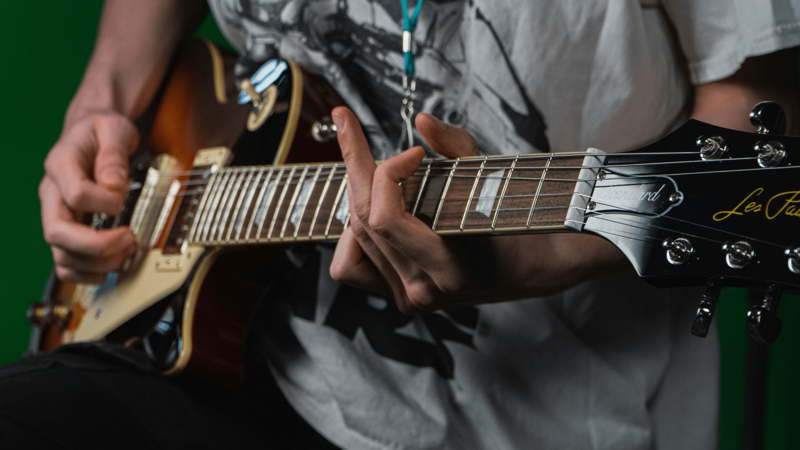
Credit: Caspar Rae
If you’re into recording, you might want to invest in a great microphone for vocals or instruments in order to improve your home studio setup. Alternatively, you may wish to invest in a MIDI keyboard or controller so you can record using your favourite software or samples.
Whatever route you take, learning and practising is really the only way to improve your skills so don’t forget to make time for that during your process. Above all else one thing will remain true, you’ll always learn something from every track so staying committed to working on music in whatever form it takes is the main thing that counts.
Keep Ideas Moving
Try Loopcloud free for 14 days. Cancel anytime.

Import your existing sounds · Works with your existing DAW · Setup in under 2 minutes